Capability / Drupal
Drupal for tourism websites and working tools
A programme changes. The visitor page, partner information, translated description and enquiry process may all depend on that change. Your team needs a practical way to maintain the information and handle the work around it.
Tamaga uses Drupal to connect structured content, publishing and operational workflows. With Wire and Wire UI, we build focused interfaces for the people who maintain that information, contribute to it or use it to organize a journey.
Start with the work people need to do
An editor may need to update visiting arrangements and identify the translations affected. A trip designer may need to assemble a programme from existing journeys. A partner may need to propose a correction without gaining access to internal notes.
Those tasks involve different information and permissions. The interface should make the relevant records and actions easy to find.
We begin with the people involved, the records they use and the decisions they are responsible for. That establishes what belongs in Drupal, what remains in another system and where a connection is useful.
Drupal, Wire and Wire UI have different jobs
Drupal maintains the content and application records. Its content models, relationships, permissions, media tools, translations and publishing workflows provide the foundation.
Wire supports interactive tasks within Drupal. A person can filter records, adjust a programme or review a proposed change while the relevant part of the screen updates. We use it where that interaction helps someone complete a specific task. Wire documentation
Wire UI supplies the reusable interface components we use in our Wired theme. Forms, searchable selections, tables, dialogs and navigation give different workspaces consistent controls. Public pages can retain their own visual identity.
Native Drupal editing remains useful. We retain it where it already serves the task, including its validation, translation and revision handling.
Choose the supporting modules around the project
A project may need only some of these capabilities. We select and configure them around the work.
Module documentation: Schema.org Blueprints · Drupal AI · Drupal Commerce · Drupal CRM.
| When your organization needs to… | What the module contributes |
|---|---|
| Structure places, activities, organizations and their relationships | Schema.org Blueprints helps build Drupal content models using established Schema.org types and properties. We decide which information belongs in the model and which public representations are appropriate. |
| Assist with drafting, translation or classification | Drupal AI provides the integration framework for supported AI services and assisted workflows. We define the permitted source material, expected output and review required before a proposal is used. |
| Sell offers and handle transactions | Drupal Commerce provides products, variations, orders, checkout and payment integrations. Tourism availability, reservation rules and operational confirmation require their own agreed implementation. |
| Maintain people, organizations and relationships | Drupal CRM provides contact and relationship records. Project-specific workflows can connect these with enquiries, partner responsibilities and follow-ups, while controlling access to private information. |
A programme change, from contribution to publication
Consider a fictional cultural association offering guided visits in several languages.
A local partner proposes a different meeting point. Their form shows the relevant visit and allows them to explain the change. It does not expose other partners’ records or publish the proposal.
The editor compares the proposal with the current information, checks it and records the accepted change. Drupal maintains the visit’s relationship with its place, organizer and language versions. A Wire interface can make the comparison and update process easier to follow.
The publication workflow identifies the descriptions and public structured data that need review. If AI helps prepare revised wording, the editor checks that the meeting point and conditions remain accurate.
If the visit is sold through the website, its Commerce offer and reservation arrangements are checked separately. Accepting a content correction does not establish availability for a particular booking.
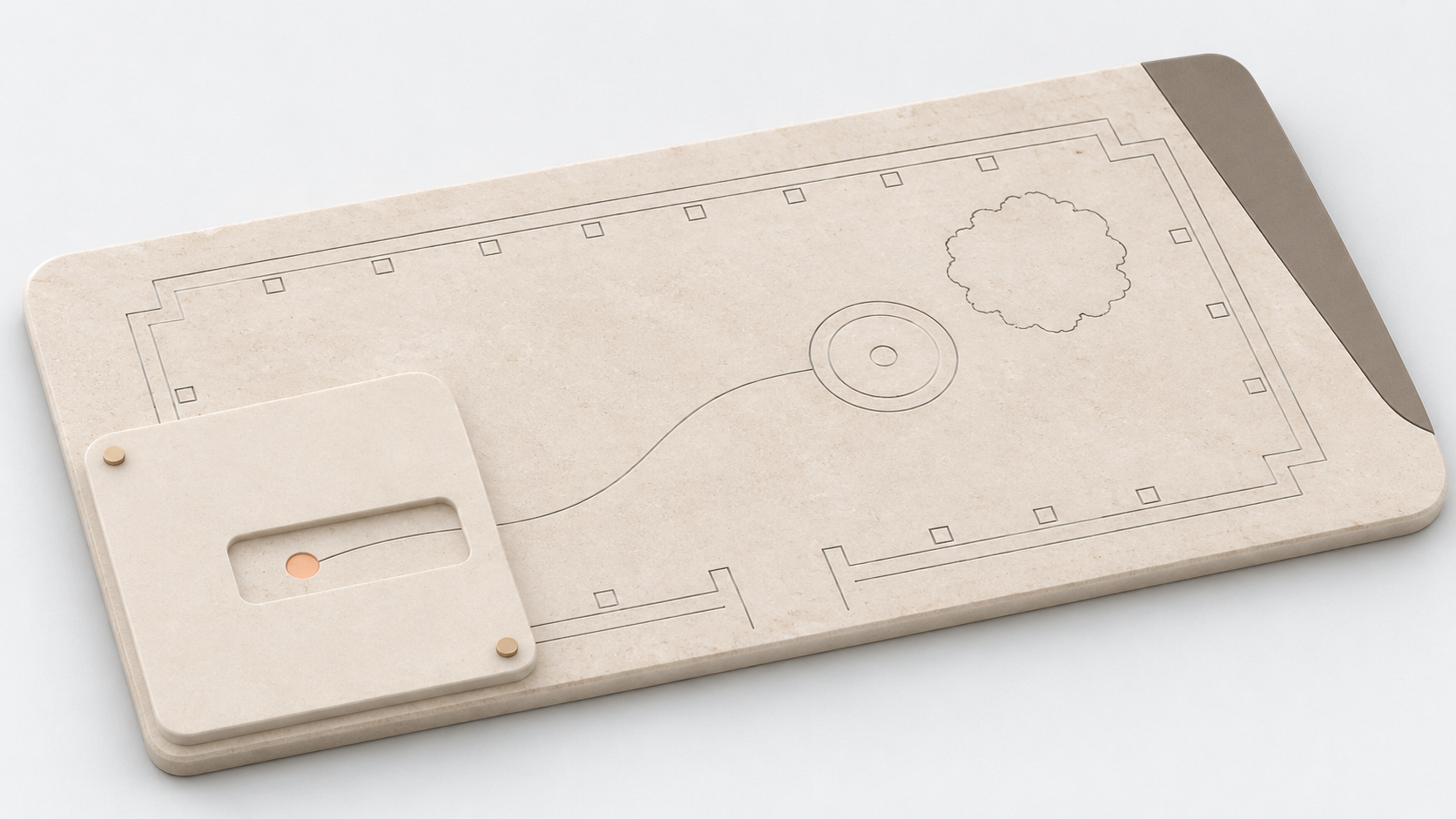
Partner opening: a bounded view of the visit’s meeting-point information.
Editorial workspace: the wider shared record, including that same information.
Private material: retained behind a separate access boundary.
Conceptual illustration of shared information and different access scopes.
Experience that informs the implementation
Our Nomad’s Land Blueprint development connects route planning, client trip workspaces and guide or driver views with Drupal records. Outseason’s development includes photo comparison and contributor-review interfaces.
These projects inform how we build useful screens around existing information and responsibilities. Their individual workflows remain specific to their organizations.
The Nomad’s Land case study provides broader project context. To explore a complete preparation and handover system, continue to Travel operations backends.
Begin with a representative task
Bring one programme, publishing task or operational workflow, together with the tools and material you currently use.
We can identify what to retain, where Drupal could help and which interface or connection would make the work more practical. The implementation scope should include how the result will be checked and who will maintain it.